SSC OTR Online Form 2026 – One Time Registration, Login
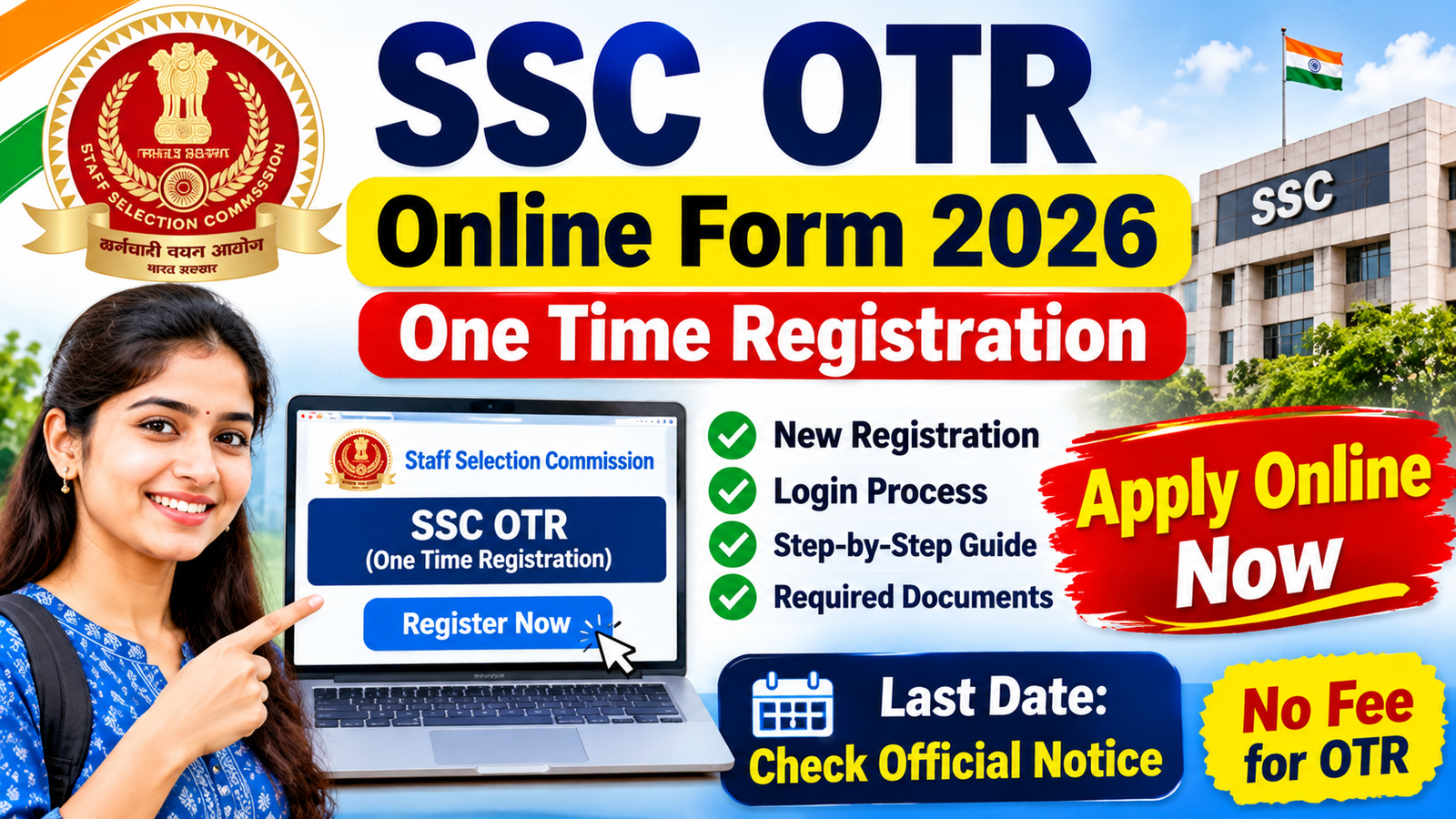
Table of Contents (विषय सूची)
The Staff Selection Commission (SSC) conducts various government recruitment examinations every year, including SSC CGL, CHSL, MTS, GD Constable, JE, Stenographer and Selection Post examinations. Before applying for these examinations, candidates must complete the SSC One Time Registration (OTR) process on the official website.
SSC OTR allows candidates to create a permanent registration profile that can be used when applying for different SSC examinations. Candidates who registered on the old SSC website must complete fresh registration on the new official portal.
In this article, you will find complete information about the SSC OTR Online Form 2026, registration steps, required documents, eligibility, login process and important links.
SSC OTR Online Form 2026 – Overview
| Particulars | Details |
|---|---|
| Organization | Staff Selection Commission (SSC) |
| Registration Name | One Time Registration (OTR) |
| Article Category | Online Registration |
| Registration Year | 2026 |
| Registration Mode | Online |
| Official Website | ssc.gov.in |
| Registration Fee | No separate OTR fee |
| Old SSC OTR | Not valid on the new portal |
| Application Process | Separate application for each examination |
What Is SSC One Time Registration (OTR)?
SSC One Time Registration is a one-time profile creation process for candidates who want to apply for Staff Selection Commission examinations.
After completing OTR, candidates receive their registration credentials, which can be used to log in and apply for various SSC examinations.
Candidates do not need to create a new OTR profile for every examination on the new SSC portal. However, they must submit a separate examination application whenever they want to participate in a recruitment process.
SSC OTR Online Form 2026 – Important Dates
| Event | Date |
|---|---|
| SSC OTR Registration | Check Official Portal |
| Last Date for OTR | As per SSC Notice |
| Registration Mode | Online |
| Examination Application | As per Individual Notification |
OTR registration and examination application dates are different. Candidates should check the latest SSC notice for the availability of the registration facility.
SSC OTR Eligibility 2026
Candidates who want to apply for SSC examinations can create an OTR profile on the official website.
- • Candidate must provide accurate personal information.
- • Candidate must have an active mobile number.
- • Candidate must have a valid email ID.
- • Candidate should keep Aadhaar or another accepted identity document ready.
- • Candidate should have their Class 10 examination details.
- • Candidates must provide correct information during registration.
The educational qualification and age limit depend on the particular SSC examination. OTR registration itself does not establish eligibility for a specific recruitment.
Documents Required for SSC OTR Registration
Candidates should keep the following information and documents ready before starting the registration process:
- 1 Aadhaar Card or another accepted identity document.
- 2 Active mobile number.
- 3 Valid email ID.
- 4 Class 10 marksheet or certificate.
- 5 Class 10 examination board details.
- 6 Class 10 roll number.
- 7 Year of passing Class 10.
- 8 Disability certificate number, if applicable.
- 9 Other information required by the registration form.
SSC's examination instructions specify mobile number and email verification through OTP. Candidates who cannot complete Aadhaar-based authentication may need to upload the prescribed supporting documents.
How to Apply for SSC OTR Online Form 2026?
Candidates can complete the SSC One Time Registration process by following these steps:
Step 1: Visit the Official SSC Website
Open the official Staff Selection Commission website: https://ssc.gov.in/
Step 2: Click on Login or Register
On the homepage, find the Login or Register option and open the registration section.
Step 3: Enter Personal Details
Fill in the required information, including:
- • Candidate's name
- • Father's name
- • Mother's name
- • Date of birth
- • Gender
- • Mobile number
- • Email ID
- • Identity details
Step 4: Create Your Password
Create a secure password according to the instructions displayed on the website. Save your login credentials securely.
Step 5: Enter Additional Details
Complete the additional information section, including nationality, address, educational qualifications and other requested details.
Step 6: Complete Aadhaar Authentication
Follow the Aadhaar authentication instructions provided by SSC. If you cannot complete Aadhaar-based authentication, follow the alternative document submission instructions provided by the Commission.
Step 7: Preview Your Registration
Carefully check all personal and educational details before proceeding.
Step 8: Submit the Declaration
Read the declaration, accept the terms and conditions, and submit your OTR.
Step 9: Save Your Registration Details
After successful registration, save your registration number and password for future login.
How to Login to SSC OTR Account?
- 1 Visit https://ssc.gov.in/.
- 2 Click on the Login option.
- 3 Enter your registration number.
- 4 Enter your password.
- 5 Complete the required security verification.
- 6 Click on Login.
- 7 Access your candidate dashboard.
SSC OTR Registration Fee 2026
There is no separate fee for creating an SSC OTR account. However, candidates may have to pay an examination application fee when applying for a particular SSC recruitment. The application fee and exemption rules depend on the examination notification.
SSC OTR Important Instructions
- • Complete your registration using the official SSC website only.
- • Enter your name and date of birth correctly.
- • Use an active mobile number and email ID.
- • Keep your registration number and password secure.
- • Do not create duplicate OTR profiles unnecessarily.
- • Check all details before final submission.
- • Complete a separate examination application for every recruitment.
- • Read the official examination notification before applying.
| Information / Action | Direct Link |
|---|---|
| SSC Official Website | Click Here |
| SSC OTR Registration | Click Here |
| SSC Candidate Login | Click Here |
| SSC Examination Notices | Click Here |
| Service | Helpline |
|---|---|
| SSC Helpdesk Email | mailto:helpdesk-ssc@ssc.nic.in |
| SSC Toll-Free Helpline | 1800-309-3063 |
Q. What is SSC OTR?
Q. Is SSC OTR registration mandatory?
Q. Is the old SSC OTR valid in 2026?
Q. Is there any fee for SSC OTR registration?
Q. Can I apply for SSC CGL and CHSL using the same OTR?
Q. Which documents are required for SSC OTR?
Q. Can I edit my SSC OTR details after registration?
Q. What is the official website for SSC OTR 2026?
Written by Devendra Meena
Senior Government Recruitment Analyst & Educational Columnist at RojgarExam.in. Over 7 years of specialized experience analyzing SSC, UPSC, Railways, Banking and State PSC examinations.